Network Structure
Builds a pore network scene from a MAT file, coloring pores and throats by radius, with a solid overlay and axes.
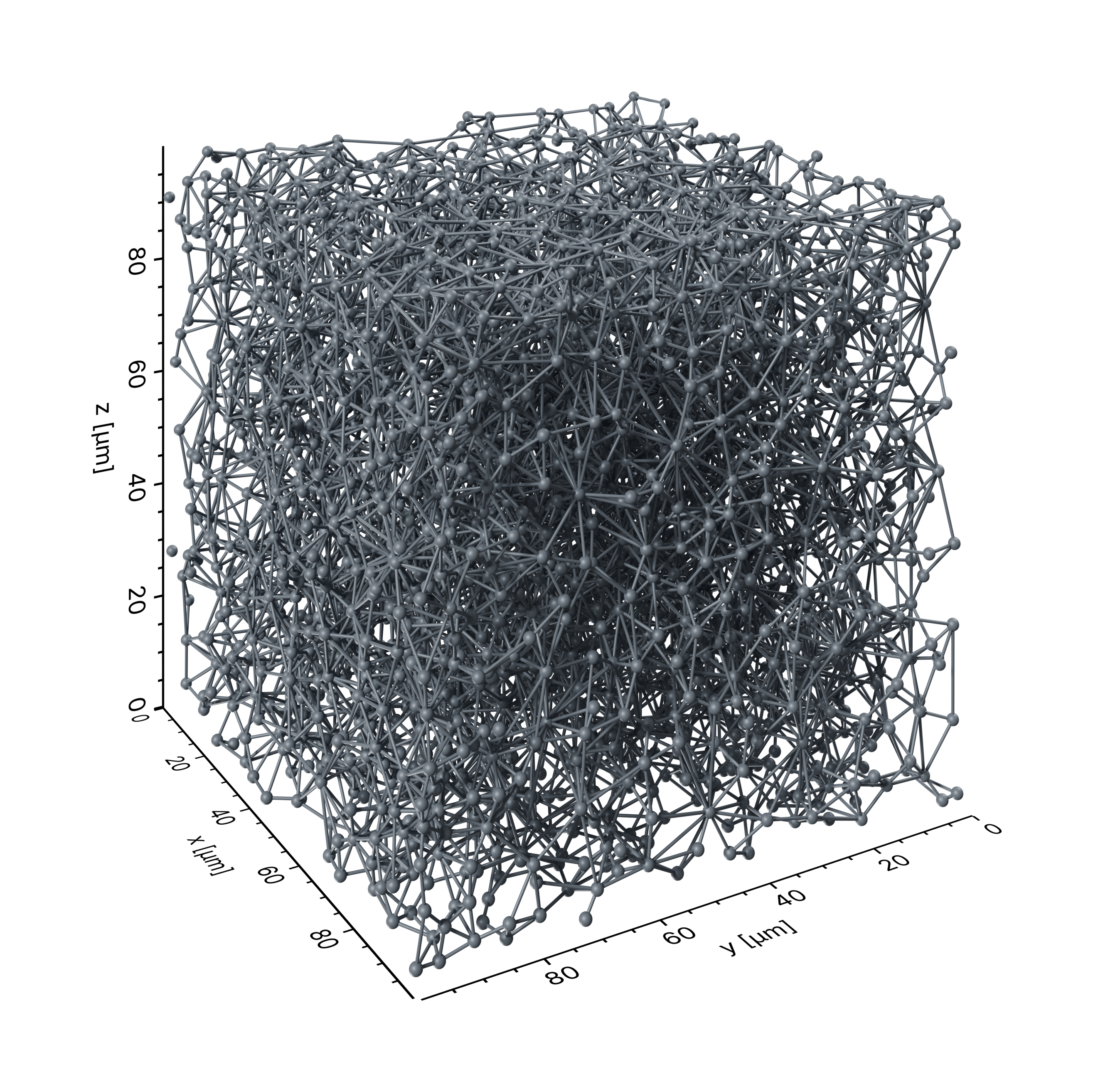
example/network_structure.py
 1import json
 2from pathlib import Path
 3
 4import numpy as np
 5
 6from porescene import worker, image
 7from porescene.model import PoreNetwork
 8from porescene.scene import Scene
 9
10# =============================================================================
11# Import Parameters
12
13# data directory
14pth_data = Path.cwd() / "data"
15
16# temporary directory for rendered images
17pth_tmp = Path.cwd() / "tmp"
18
19
20# =============================================================================
21# Scene configuration
22
23# load variable mapping for variable import from .mat file
24with open(pth_data / "map_vars.json") as f:
25    map_vars = json.load(f)
26
27# load pore network data from MAT file
28pn = PoreNetwork.from_mat(pth_data / "pnm.mat", map_vars["data_network"])
29
30# unify pore and throat radii
31pn.pore_radius = np.ones(pn.pore_count) * 0.5e-6
32pn.throat_radius = np.ones(pn.throat_count()) * 0.25e-6
33
34# load PoreScene config from JSON file
35sc = Scene.from_json(pn.extent, pth_data / "porescene.json")
36
37# add cylinders and spheres to the scene
38worker.build_structure(sc, pn)
39
40# add axes around the scene
41sc.create_axes()
42
43# render the scene
44pth_img = worker.make_structure(pth_tmp, pn, sc)
45
46# add padding of 10 %
47image.img_pad(pth_img, 0.1)